A technical breakdown of what EvoSwing is actually scoring on every swing — and where thumb control breaks each component down.
Most PGA 2K25 content tells you EvoSwing rewards a "smooth, consistent motion." True, but vague and if you've spent any time in the game's forums, you'll know even experienced players openly admit they struggle to tell these components apart in the moment. This guide breaks down what each of the four components is actually measuring, and where thumb control on the stick tends to fail each one.
If you've already read our stick precision basics, treat this as the next layer down — the mechanical detail behind why precision matters, not just that it does.
The Four Components EvoSwing Actually Scores
EvoSwing doesn't grade your swing as a single pass/fail input — it separately measures four things across the motion, and each can be rewarded or penalised independently.
1. Swing Path
Set as you pull the thumbstick on your backswing, aiming for the swing path target at the bottom of the meter. This determines how much push or pull gets applied to your shot — miss it in one direction and you're fighting a fade or draw bias you didn't intend.
What causes drift here: thumb slip at the very start of the pull. This is the lowest-friction moment of the whole swing — your thumb is moving off a resting position, and a smooth stock stick gives it nothing to track a straight line against.
2. Transition
The moment you reverse direction at the top of the backswing and push back toward the ball. Land inside the transition target ring and you're clean; come up short and you underswing, losing distance; push through it and the game increases swing difficulty and adds unwanted power. It's the most punishing component to get wrong because it's a single moment, not a sustained motion.
What causes drift here: grip fatigue. Holding tension at the top of a swing, then reversing cleanly from a fixed point, is exactly where a slippery surface costs you — your thumb has to actively fight to hold position and over a long session it increasingly won't.
3. Contact
Set as you push the analogue stick forward through the downswing, toward the contact target. This is the component most directly tied to where the club actually meets the ball, which makes it the most visible when it goes wrong — pushed shots and mishits usually trace back here.
What causes drift here: compounding error from the first two components, plus overcorrection. Players who've noticed a pattern of pushed shots often unconsciously fight the stick on the next swing, which adds tension and reduces fine control rather than fixing the underlying path.
4. Rhythm
The overall tempo of the full motion — how fast or slow you move the controller thumbstick from backswing to downswing. Unlike the other three, this isn't about where you're aiming, it's about pacing: too fast and you risk a slice, too slow and you lose distance and spin.
What causes drift here: Rhythm is the component most affected by hand fatigue specifically, since maintaining a consistent tempo requires sustained fine motor control — the first thing to go when your thumb is working harder than it should to stay gripped.
Why "Just Practice More" Only Gets You So Far
Muscle memory training works up to the limit of what your hardware lets you repeat. If your thumb's actual contact point with the analogue stick shifts slightly swing to swing, because the surface is smooth and low-friction, you're not repeating one motion, you're repeating several slightly different ones and hoping the game's tolerances absorb the difference. Sometimes they do. Often, especially on Pro or Master difficulty where the target windows tighten, they don't.
This is a genuinely different problem from "not understanding the mechanic." Plenty of players who can explain all four components accurately still get inconsistent results in practice, because the bottleneck isn't understanding, it's repeatable physical execution.
Where Grip Actually Intervenes
Laid out this way, all four components share a common failure point upstream of the mechanic itself: the thumb's contact with the thumbstick isn't consistent enough for the precision the game is measuring for. That's a friction and surface-shape problem, not a knowledge-of-the-system problem.
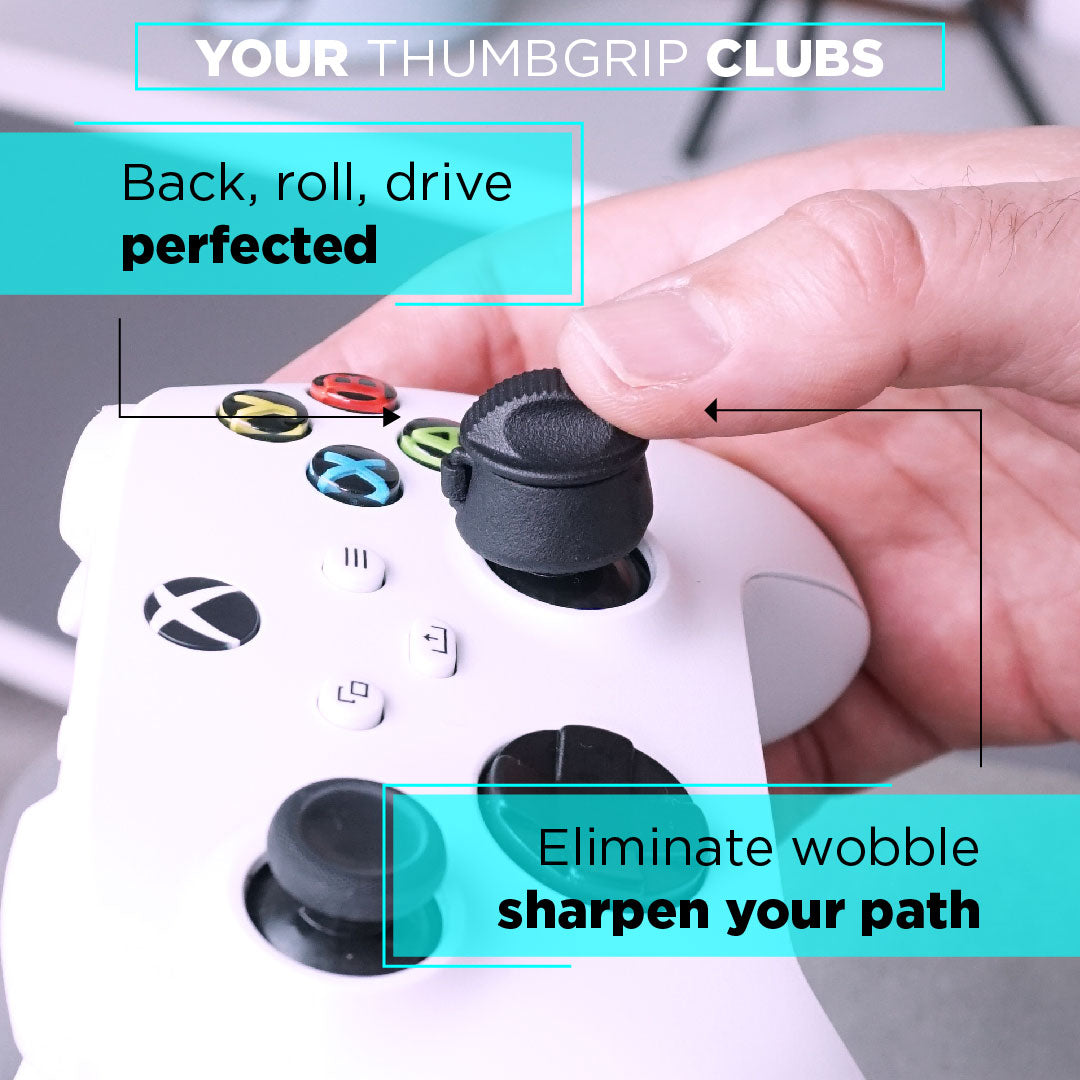
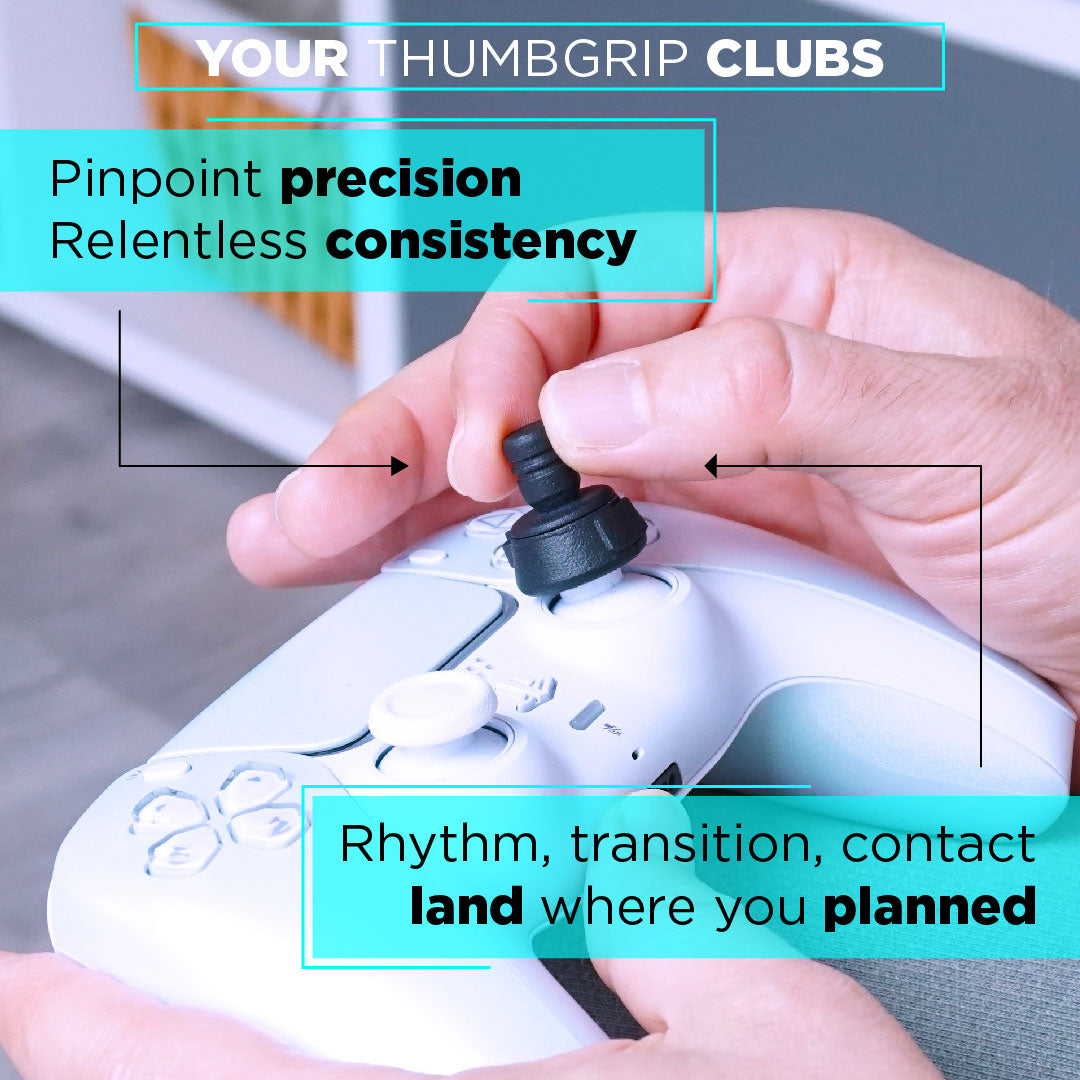
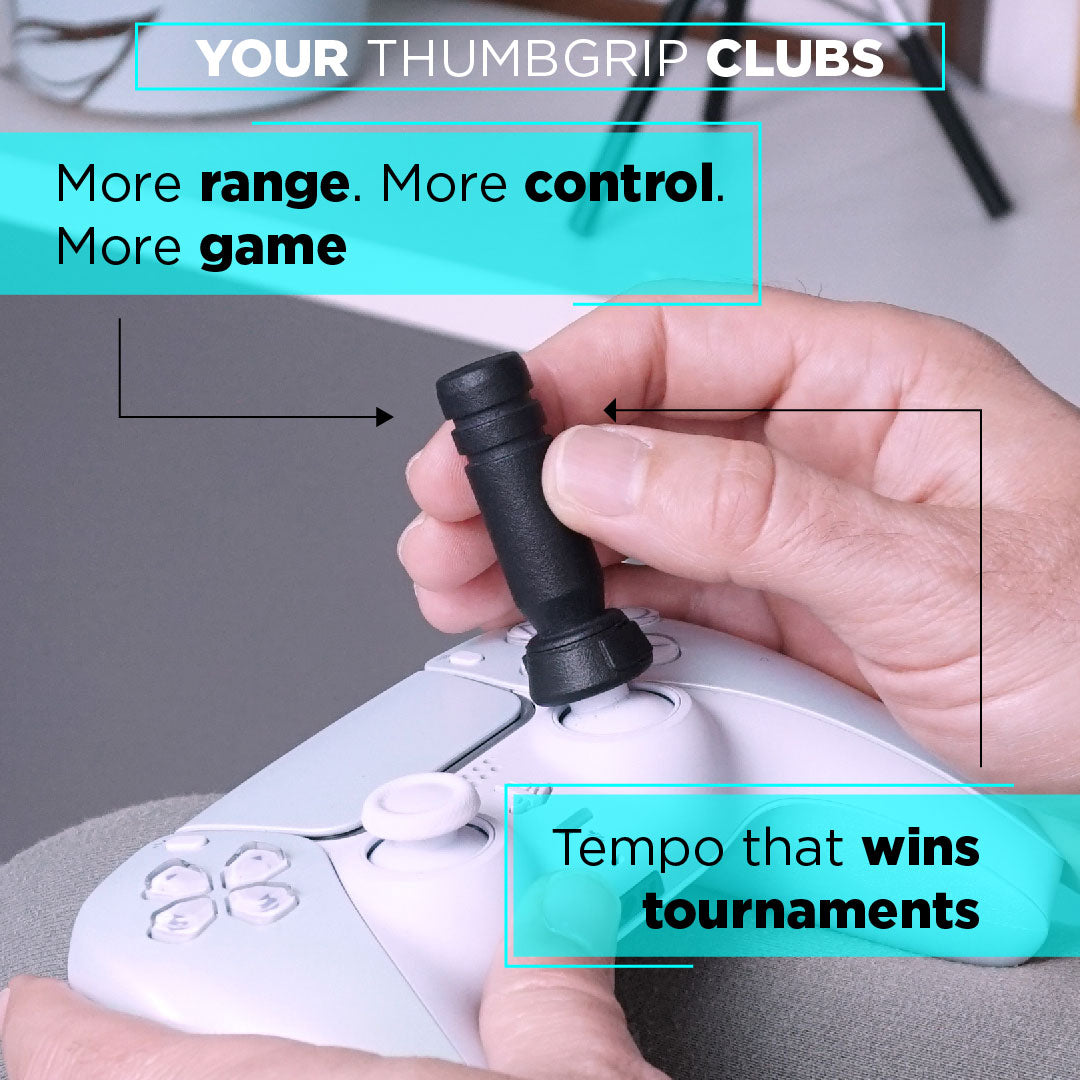
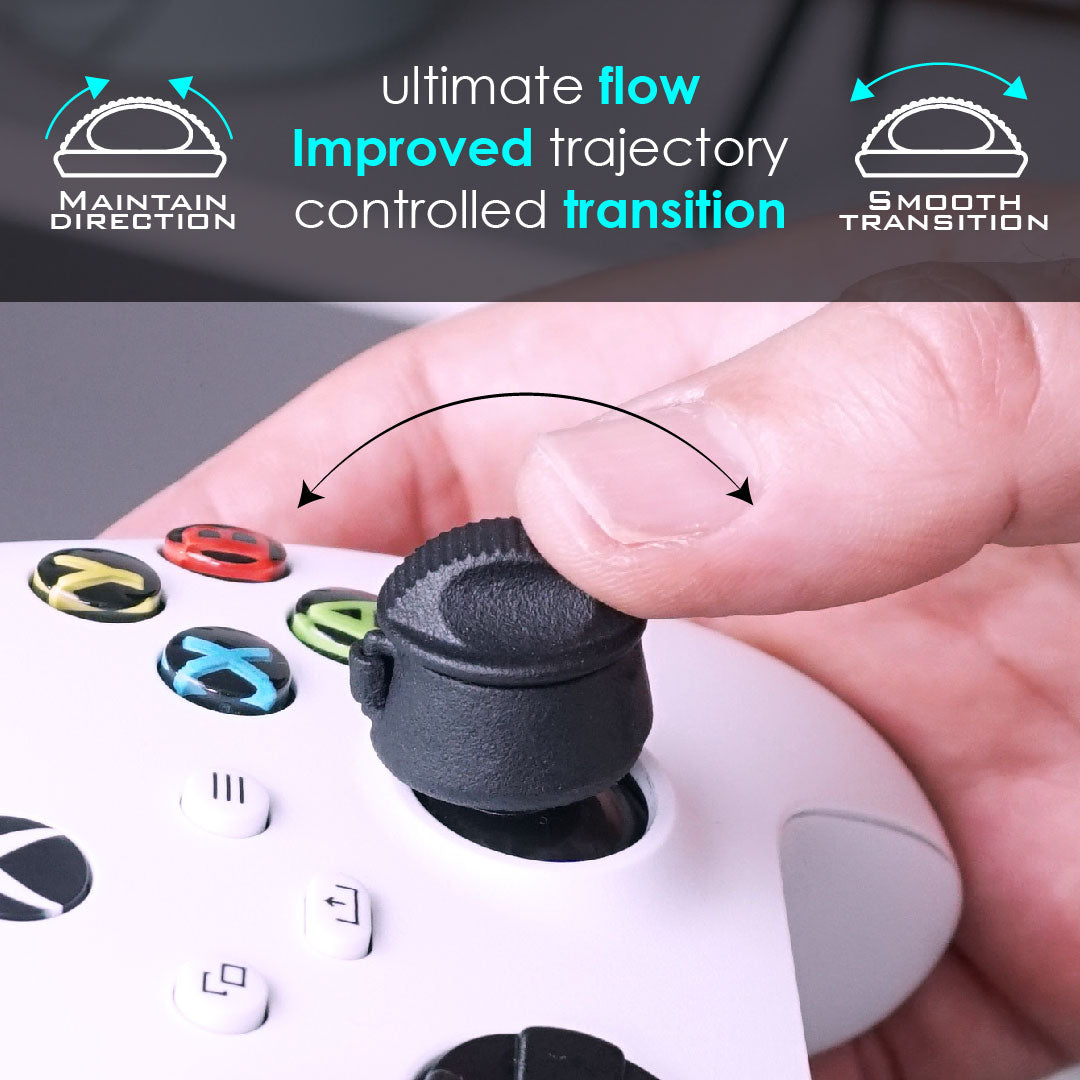
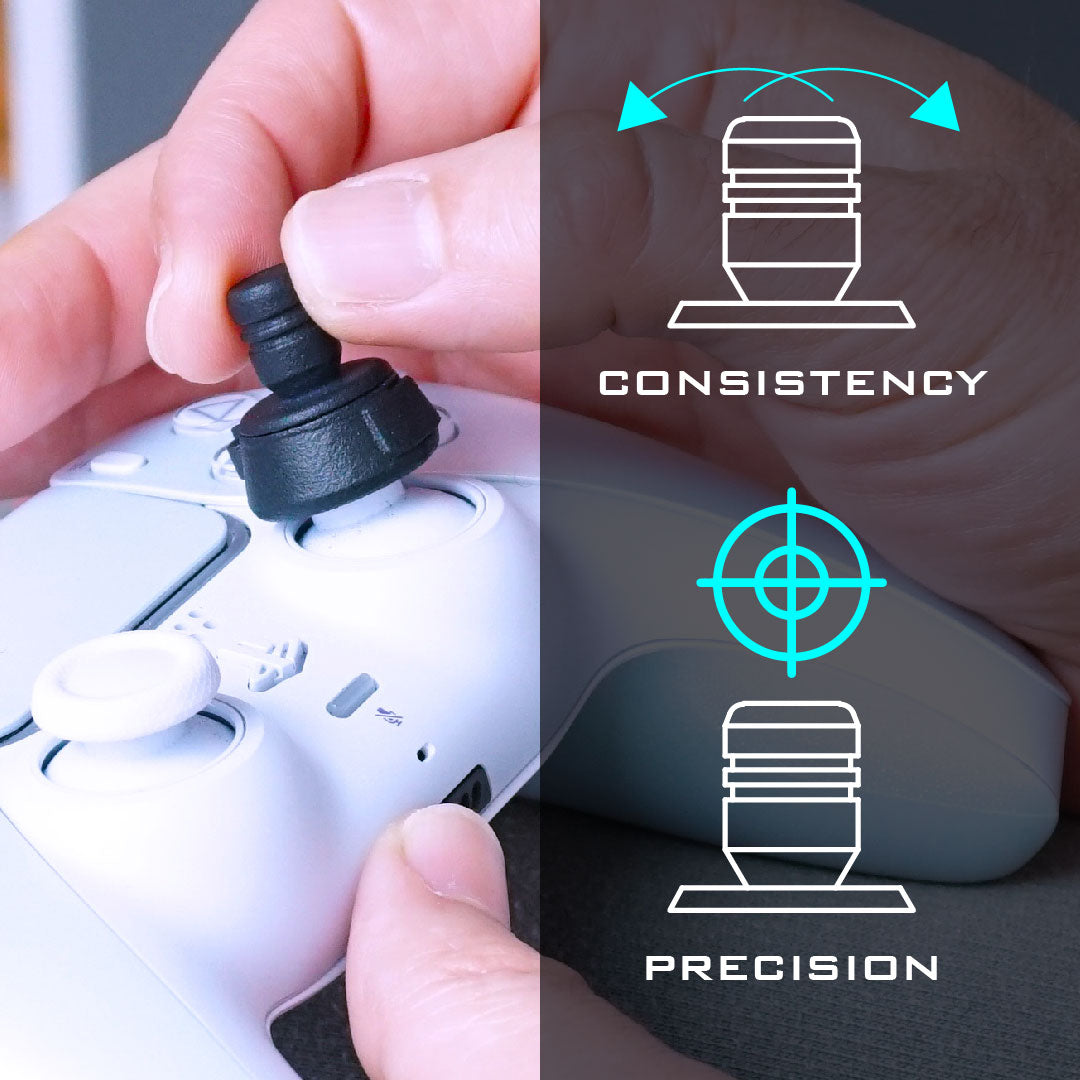
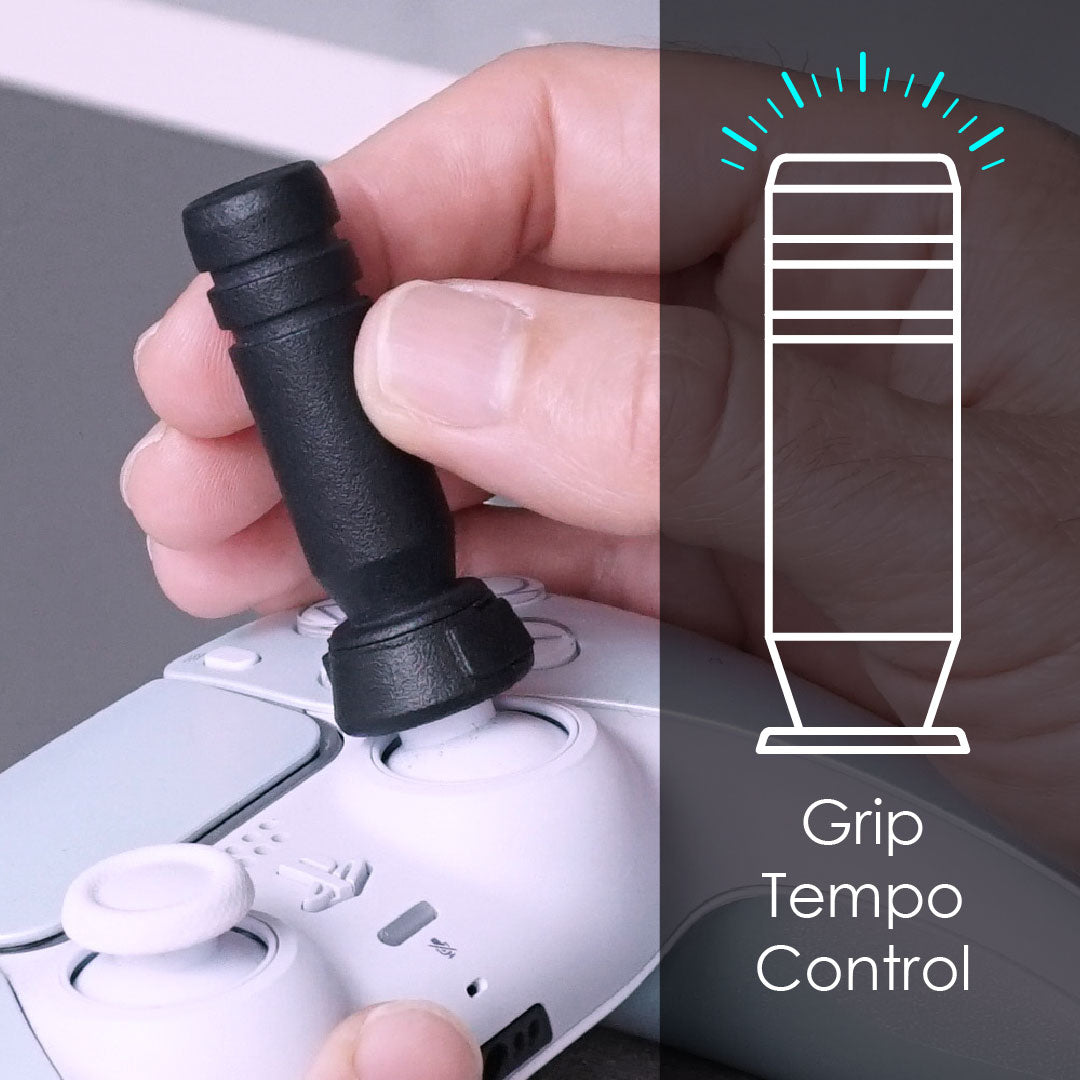
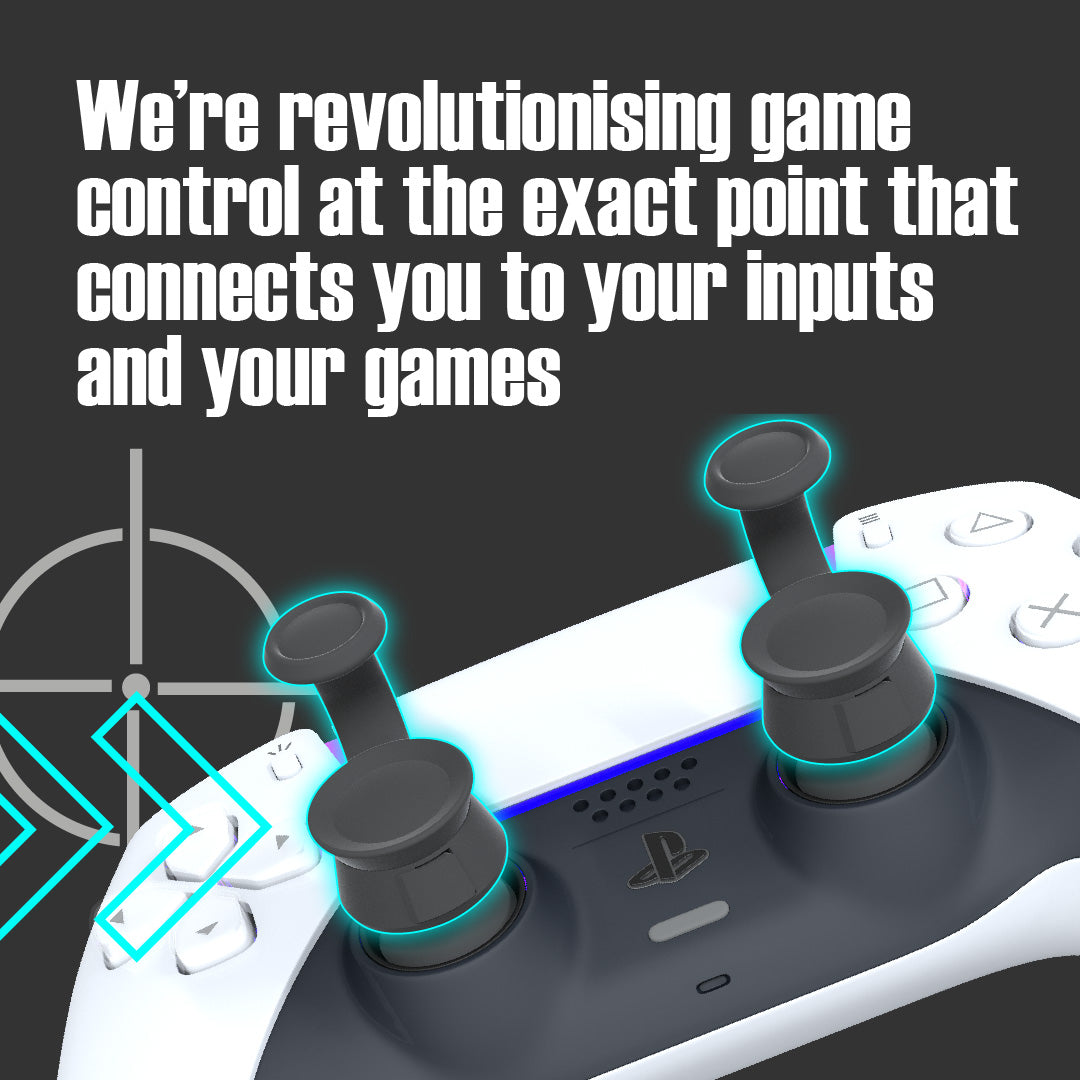
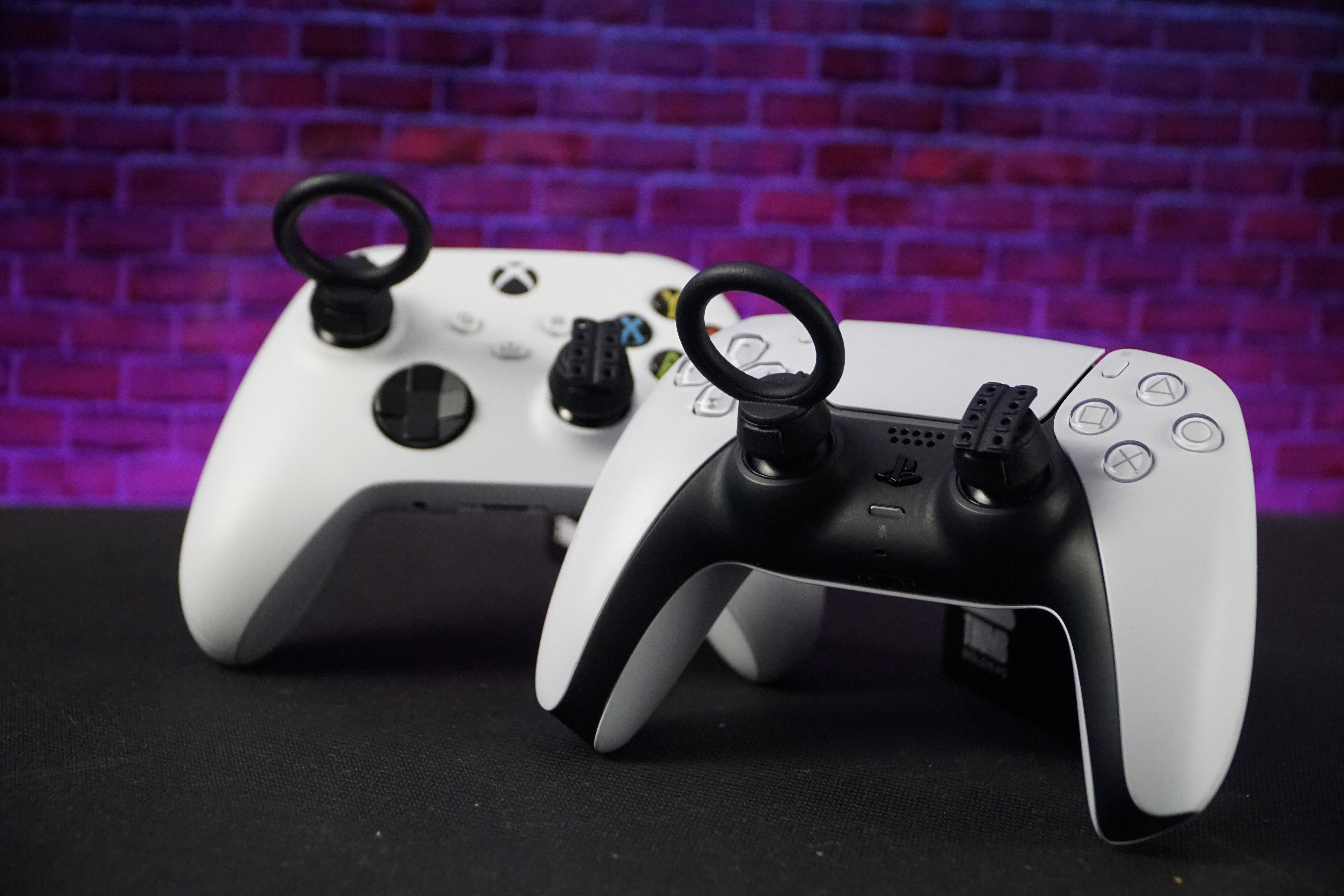
This is the specific gap the Thumb Soldiers Golf Swing Kit is built to close. By changing the shape of the thumbstick to suit your grip style, it gives your thumb or fingers a more defined, higher-friction position to hold consistency through the swing path, transition, contact and rhythm sections, instead of a smooth dome your thumb or fingers have to constantly micro-adjust to, to stay anchored to it. For the setup and installation walkthrough plus console compatibility, see the full stick precision guide.
Quick Reference: Symptom → Likely Component → Root Cause
| What you're seeing | Likely component | Root cause |
|---|---|---|
| Shots consistently drawing or fading more than intended | Swing Path | Thumb drift during the initial pull |
| Distance loss (underswing) or unwanted extra power (overswing) | Transition | Thumb repositioning at the direction change point |
| Pushed or mis-hit shots despite a clean feeling swing | Contact | Compounding drift, or overcorrection from a prior miss |
| Good early session shots, worse later session | Rhythm | Fatigue eroding tempo consistency |
The Takeaway
EvoSwing scores your thumb's motion at a resolution most stock controllers weren't built to support. Knowing the four components — Swing Path, Transition, Contact, and Rhythm — helps you diagnose what's going wrong. But for most players, the fix for recurring inconsistency is physical, not procedural: give yourself a surface to hold a repeatable path on.